


Description
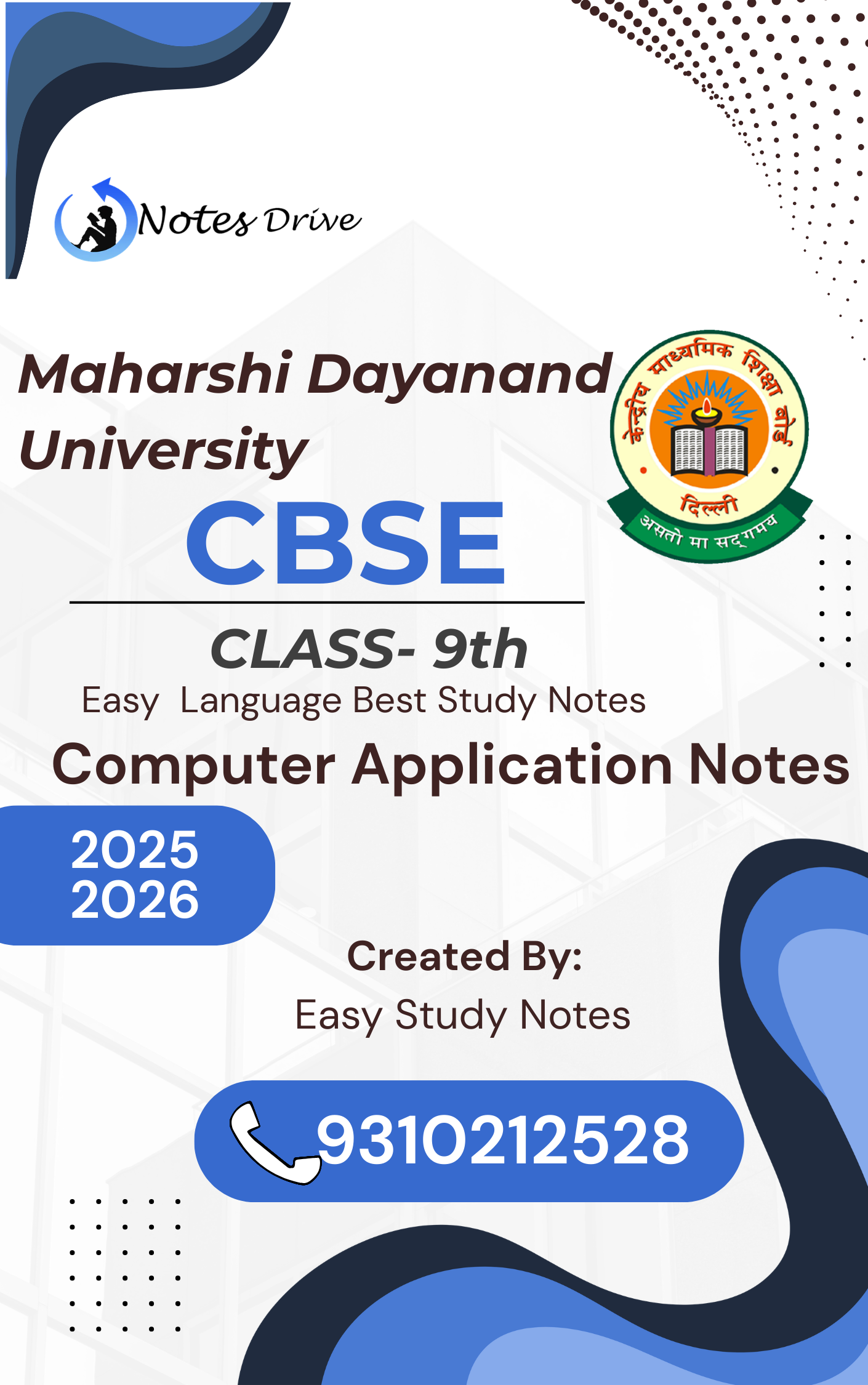
Boost your CBSE exam preparation with Easy Study Notes’ Class 9th Computer Application Notes, crafted to help students understand, memorize, and revise key concepts faster. These handwritten and chapter-wise organized notes simplify every topic from Computer System,Memory,Storage Device,Software and Computer Networking — making learning easy and effective for every Class 9th student.
Each note is carefully prepared as per the latest CBSE syllabus (2025–26), focusing on concept clarity, formulas, diagrams, and NCERT-based questions to ensure maximum marks in exams.
—
🌟 Key Features & Benefits
✅ Complete CBSE Class 9th Computer Application syllabus covered
✅ Handwritten & easy-to-understand format for visual learning
✅ Includes Computer System,Memory,Storage Devices and Computer Networking chapters
✅ Concepts explained pointwise for quick revision
✅ NCERT questions, formulas, and diagrams included
✅ Exam-focused content prepared by experienced teachers
✅ Instant PDF download – study anytime, anywhere
✅ Created by Easy Study Notes, trusted by thousands of students
Each chapter includes key terms, solved examples, and visual illustrations to make complex topics simple and engaging.
Chapter-Wise Coverage (As Per Latest CBSE Syllabus)
UNIT-1: Basics of Information Technology
Computer Systems:
characteristics of a computer
components of a computer system
CPU
memory
storage devices and I/O devices
Memory:
primary (RAM and ROM)
secondary memory
Storage devices:
hard disk
CD ROM
DVD
pen/flash drive
memory stick
I/O devices:
keyboard
mouse
monitor
printer
scanner
web camera
Types of software:
system software (operating system, device drivers)
application software including mobile applications
Computer networking:
Type of networks:
PAN
LAN
MAN
WAN
wired/wireless communication,
Wi-Fi
Bluetooth
cloud computers
Unit 2 : Cyber-safety
Safely browsing the web and using social networks: identity protection
proper usage of passwords
privacy
confidentiality of information
cyber stalking
reporting cybercrimes
Malware:
Viruses
adware
Unit 3: Office tools
Introduction to a word processor:
create and save a document
Edit and format text
text style (B, I, U)
font type
font size
text colour
alignment of text
Format paragraphs with line and/or paragraph spacing
Add headers and footers
numbering pages
grammar and spell check utilities
subscript and superscript
insert symbols
use print preview
print a document
Insert pictures
change the page setting
add bullets and numbering
borders and shading
insert tables – insert/delete rows and columns
merge and split cells
Use auto-format
track changes
review comments
use of drawing tools
shapes and mathematical symbols
Presentation tool:
understand the concept of slide shows,
basic elements of a slide,
different types of slide layouts,
create and save a presentation,
and learn about the different views of a slide set – normal view,
slide sorter
view and handouts.
Edit and format a slide:
add titles,
subtitles,
text,
background
watermark,
headers and footers,
slide numbers.
Insert pictures from files,
create animations,
add sound effects,
and rehearse timings.
Spreadsheets:
concept of a worksheet and a workbook,
create and save a worksheet.
Working with a spreadsheet:
enter numbers,
text,
date/time,
series using auto fill;
edit and format a worksheet including changing the colour, size, font and alignment of text;
insert and delete cells, rows and columns.
Enter a formula using the operators (+,-,*, /),
refer to cells,
print a worksheet.
Use simple statistical functions:
SUM (),
AVERAGE (),
MAX (),
MIN (),
IF ()
(without compound statements);
embed charts of various types:
line,
pie,
scatter,
bar and area in a worksheet.
Why Choose Easy Study Notes?
At Easy Study Notes, we aim to make education simple, smart, and accessible for every learner. Our Class 9th Computer Application Notes are written by subject experts, ensuring clarity, accuracy, and exam-oriented learning.
Thousands of students trust our handwritten typed notes to save time, reduce stress, and improve performance before exams.
Download Now your Class 9th Computer Application Notes PDF and start your smart
study journey today!
Revise quickly, understand deeply, and score higher in your upcoming CBSE exams with Easy Study Notes — your trusted learning partner.





 Science Notes Class - 10 With Last Five Years Solved Question Papers Chapter Wise PDF Download by Dr. Juber Hawaldar (JH)
Reviews
There are no reviews yet.